MD Reader

Chrome · Edge · Brave · MIT

Mở file .md là đọc như sách. Open a .md and read it like a book.

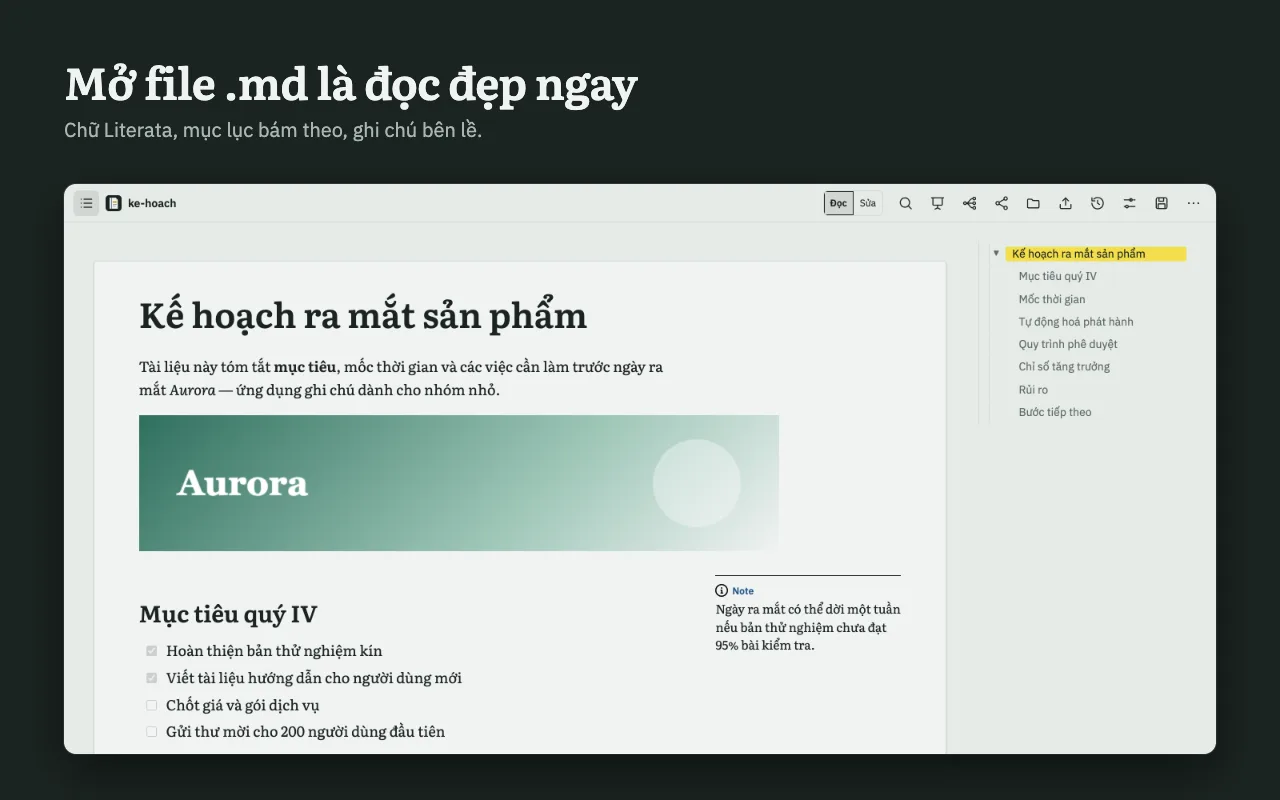
Chữ Literata, mục lục bám theo, ghi chú bên lề. Sửa ngay trên trang đọc, lưu về đĩa, chia sẻ link và cùng sửa thời gian thực — trên Worker Cloudflare miễn phí của chính bạn. Literata serif, a ToC that follows you, notes in the margin. Edit right on the reading page, save to disk, share a link and co-edit live — on your own free Cloudflare Worker.

MD Reader hiển thị tài liệu Markdown với mục lục bên phải và ghi chú bên lề / Markdown document with ToC and margin note

Ba điều khác biệtThree things that set it apart

Không phải trình xem Markdown thứ một nghìn.Not the thousandth Markdown viewer.

01

Sửa ngay trên trang đọcEdit on the reading page itself

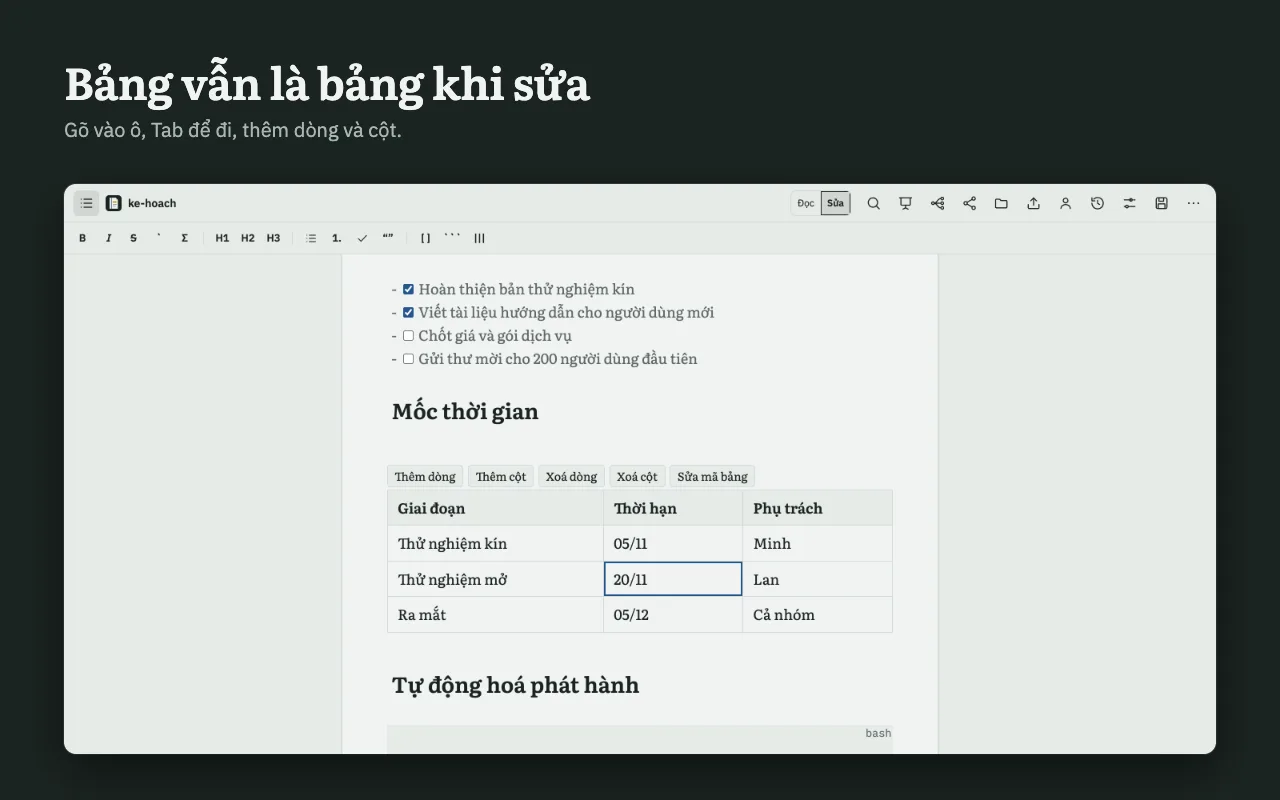
Không có khung code bên cạnh. Dấu Markdown chỉ hiện ở chỗ con trỏ đang đứng; bảng vẫn là lưới khi sửa; dán ảnh là xong. Lưu về đĩa có so sánh khác biệt nếu file đã bị đổi ở nơi khác.No code pane beside it. Markdown marks show only where your cursor is; tables stay a grid while you edit; paste an image and you are done. Saving to disk shows a diff if the file changed elsewhere.
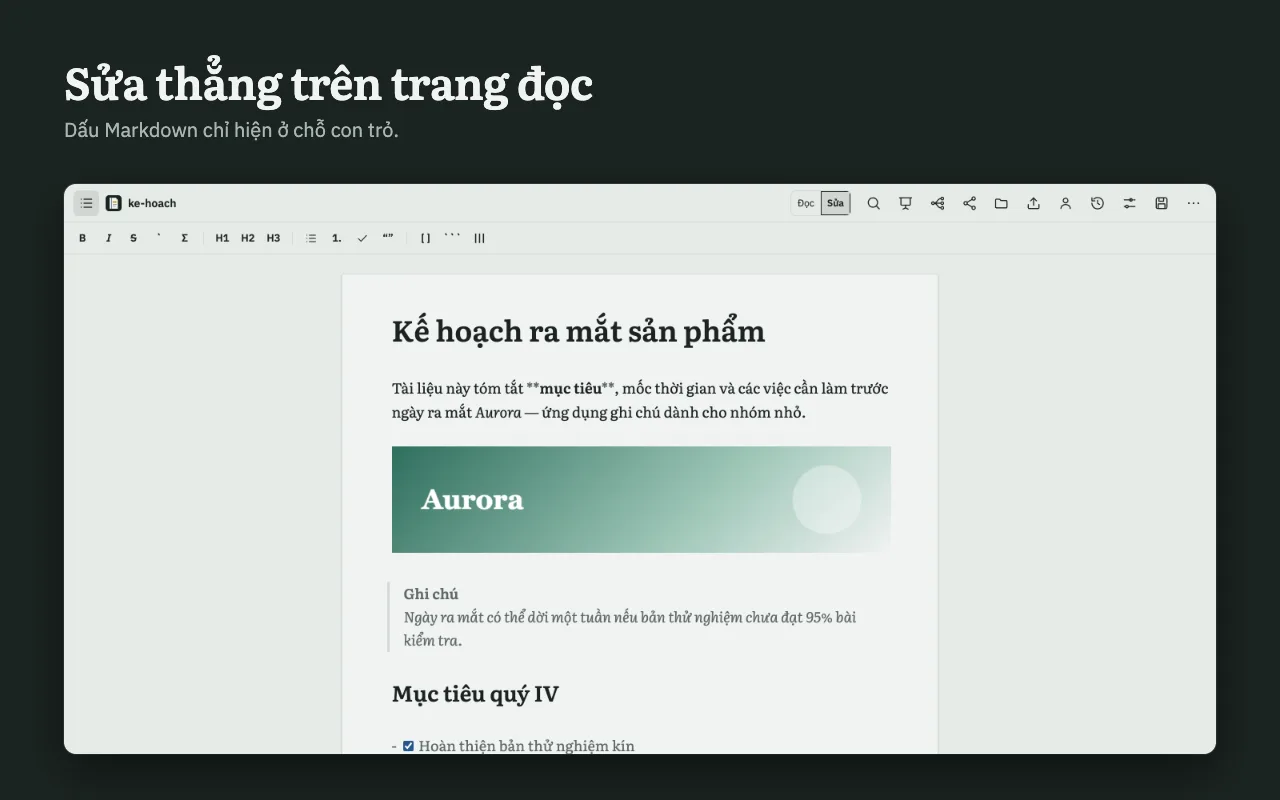
Chế độ Sửa với live preview / Edit mode with live preview
02

Chia sẻ và cùng sửa, tự chủ hạ tầngShare and co-edit, on your own infrastructure

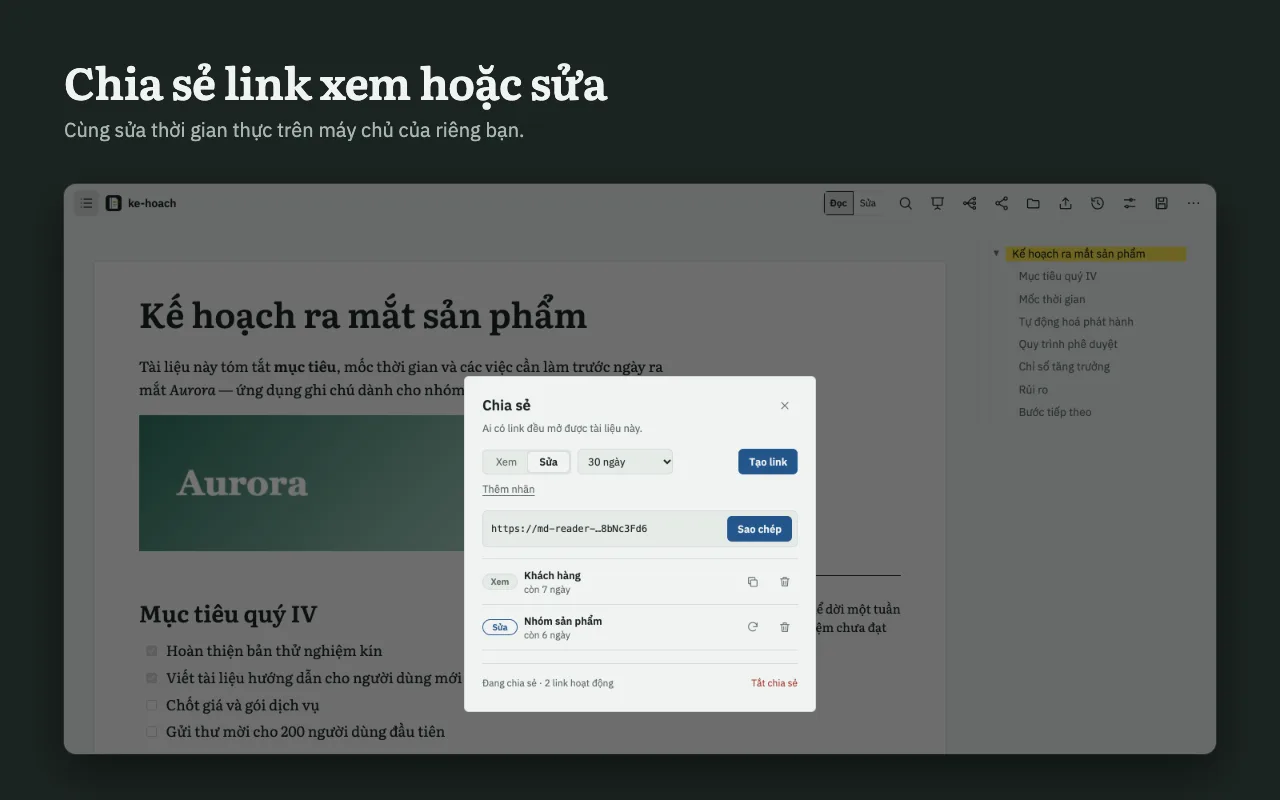
Tạo link xem hoặc link sửa. Nhiều người sửa cùng lúc, thấy ai đang ở đâu, ai viết dòng nào, và khôi phục được từ lịch sử. Máy chủ là Cloudflare Worker của bạn — gói miễn phí là đủ.Create a view or an edit link. Several people edit at once, see who is where, who wrote which line, and restore from history. The server is your own Cloudflare Worker — the free tier is enough.

Hộp thoại chia sẻ / Share dialog
03

Một tài liệu, nhiều cách nhìnOne document, many views

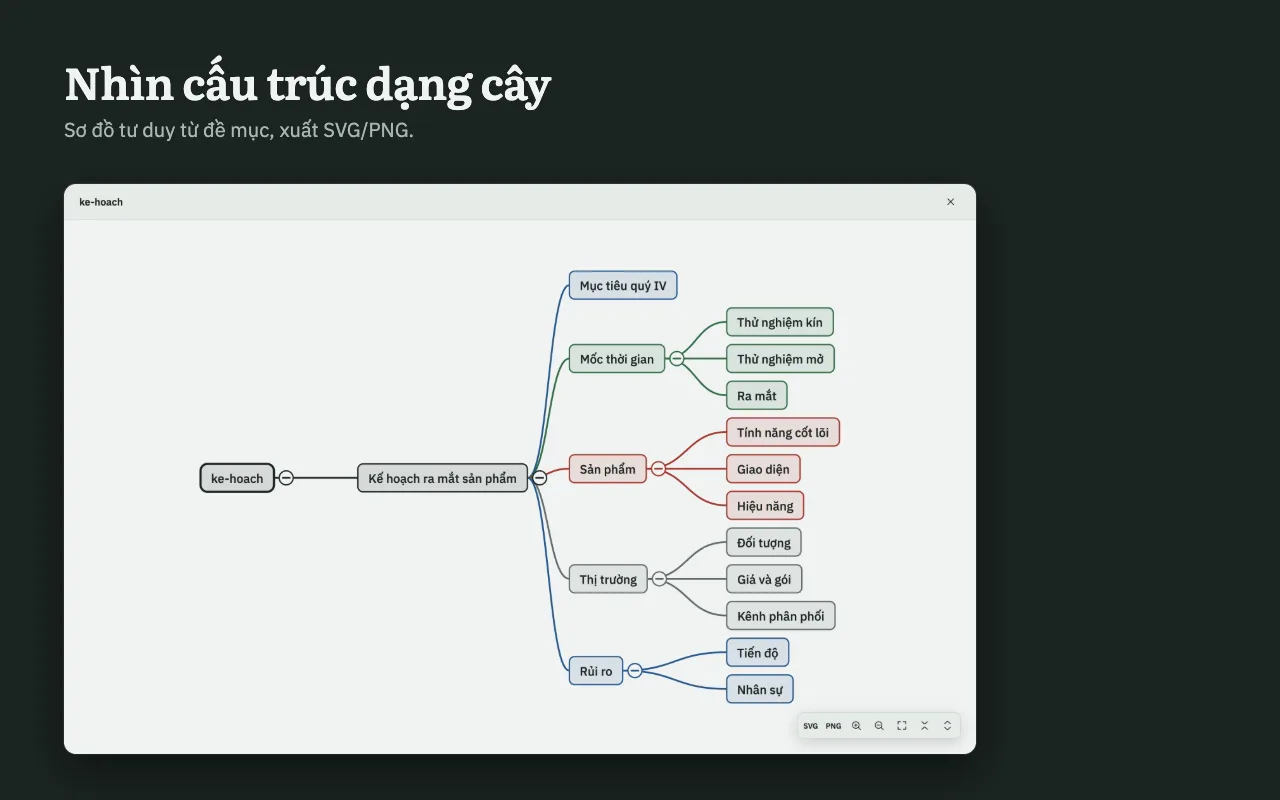
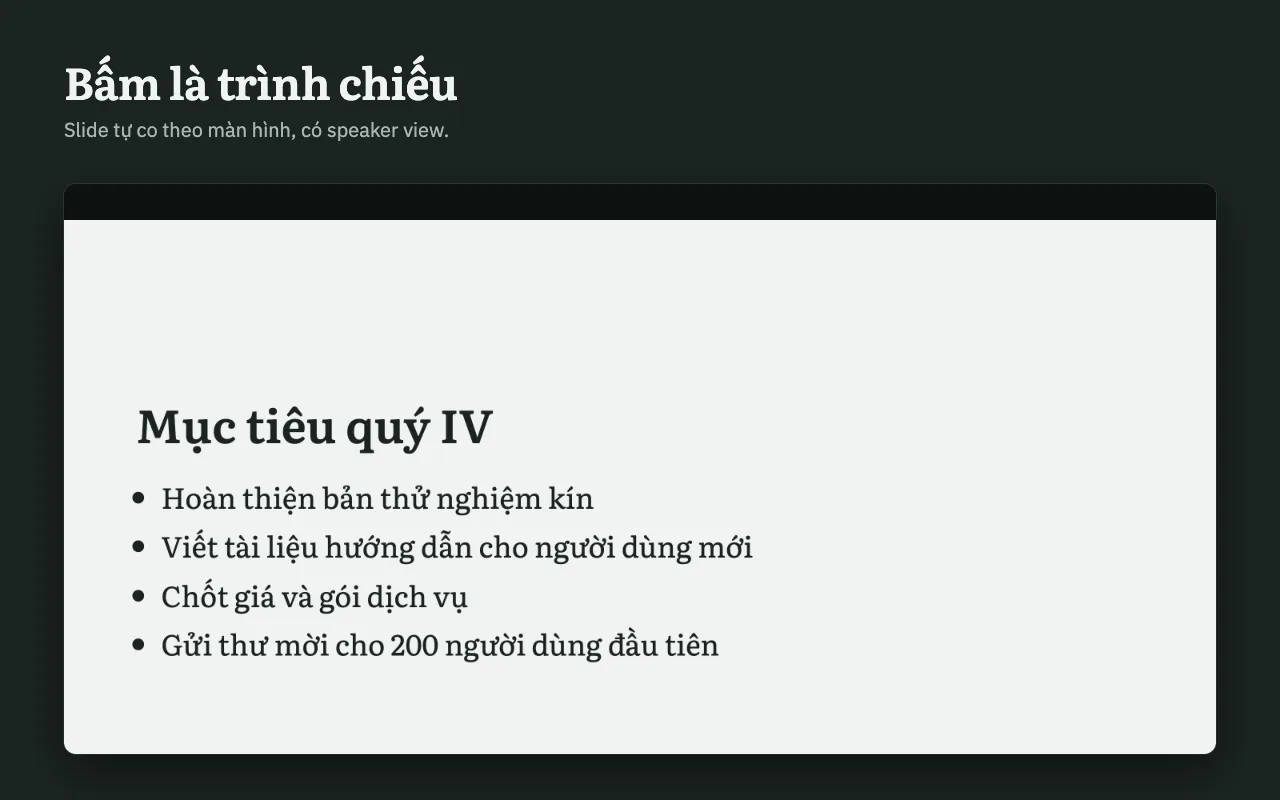
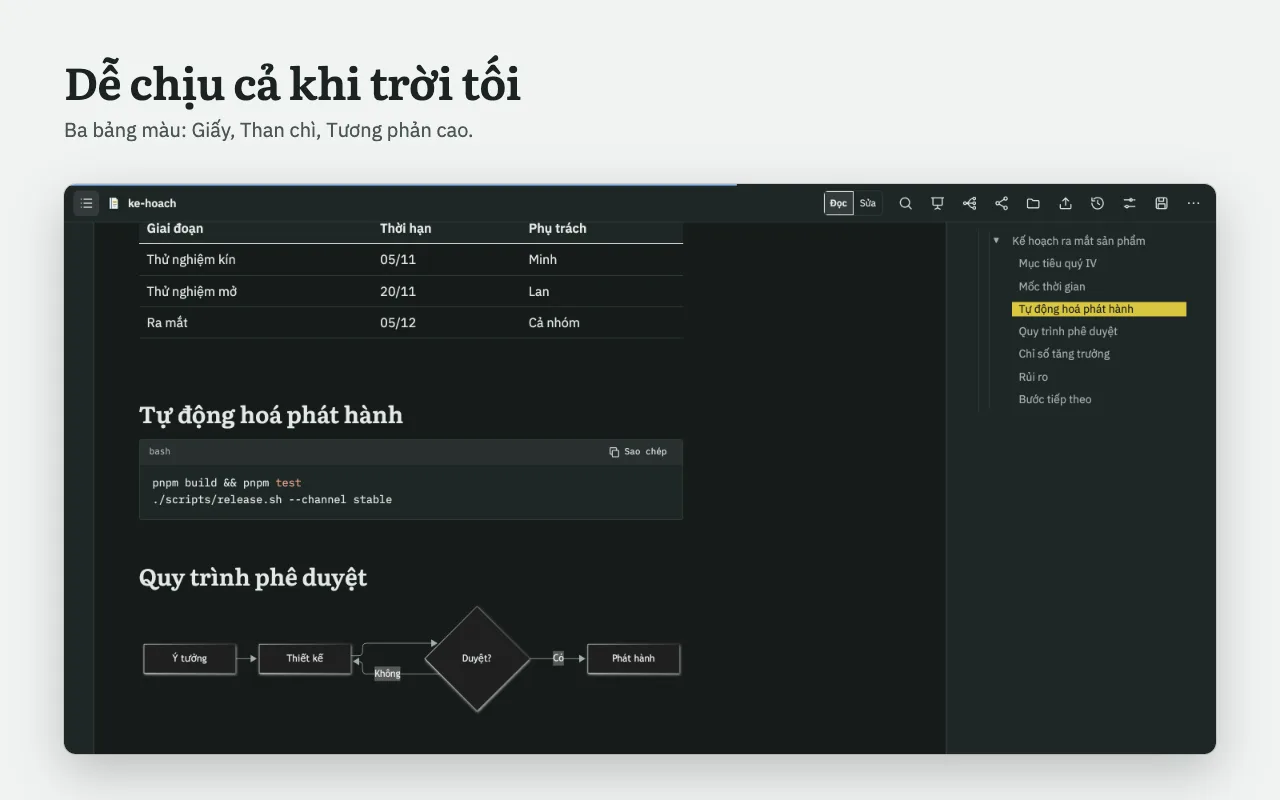
Cùng một file có thể thành slide có speaker view, sơ đồ tư duy, hoặc xuất ra HTML, PDF, Word. Ba bảng màu: Giấy, Than chì, Tương phản cao.The same file becomes slides with a speaker view, a mind map, or exports to HTML, PDF, Word. Three palettes: Paper (Giấy), Graphite (Than chì), High contrast (Tương phản cao).

Sơ đồ tư duy từ tài liệu / Mind map from a document

Chi tiếtDetails

Mọi thứ trong một extensionEverything in one extension

  • Đọc: chữ serif Literata, mục lục bám mục đang đọc, alert thành ghi chú lề, KaTeX, mermaid.Read: Literata serif, a ToC tracking your position, alerts as margin notes, KaTeX, mermaid.
  • Sửa: live preview, bảng dạng lưới, dán/kéo ảnh, hoàn tác theo tài liệu.Edit: live preview, grid tables, paste/drag images, per-document undo.
  • Lưu về đĩa: ghi lại file gốc, phát hiện lệch file và hiện diff 3 chiều.Save to disk: writes the original file back, detects drift and shows a 3-way diff.
  • Chia sẻ: link xem / link sửa, hết hạn, thu hồi, sửa cùng lúc.Share: view / edit links, expiry, revoke, simultaneous editing.
  • Ai viết gì: blame theo dòng, lịch sử và khôi phục.Who wrote what: per-line blame, history and restore.
  • Trình chiếu: slide cắt từ heading, speaker view có ghi chú và đồng hồ.Slides: cut from headings, speaker view with notes and timer.
  • Sơ đồ tư duy từ cấu trúc heading, xuất SVG / PNG.Mind map from your headings, export to SVG / PNG.
  • Xuất: HTML độc lập, PDF qua in, Word (.docx).Export: standalone HTML, PDF via print, Word (.docx).
  • Giao diện: Giấy, Than chì, Tương phản cao; tiếng Việt và tiếng Anh theo trình duyệt.Look: Paper, Graphite, High contrast; Vietnamese and English following your browser.
Bảng giữ dạng lưới khi sửa / Table stays a grid while editing
Trình chiếu / Presentation
Bảng màu Than chì / Graphite palette

Quyền riêng tưPrivacy

Dữ liệu ở lại máy bạn.Your data stays on your machine.

Mặc định mọi thứ lưu trong trình duyệt của bạn. Chỉ khi bạn bật chia sẻ cho một tài liệu, nội dung mới đến máy chủ đồng bộ — mà máy chủ đó do chính bạn dựng. Không tài khoản, không phân tích, không theo dõi, không quảng cáo.By default everything lives in your browser. Only when you turn on sharing for a document does its content reach a sync server — one you run yourself. No account, no analytics, no tracking, no ads.

Đọc chính sách đầy đủRead the full policy

Nền tảngPlatforms

Chạy ở đâuWhere it runs

Nền tảngPlatformTrạng tháiStatus
ChromeDùng được (cài từ mã nguồn)Works (install from source)
EdgeDùng đượcWorks
Brave · Opera · ArcDùng đượcWorks
FirefoxHạn chếLimited
VS Code · ObsidianDự kiếnPlanned
Web appDự kiếnPlanned

Lộ trìnhRoadmap

Tiếp theo: máy chủ MCP cho AI agentNext: an MCP server for AI agents

Để agent AI xuất bản một file Markdown và nhận lại link chia sẻ ngay, không cần copy-paste.So an AI agent can publish a Markdown file and get a share link back, with no copy-paste.

Xem lộ trìnhSee the roadmap